Hey neighbors. I want to share my hobby with you and yours. Take part in our light show from the comfort of your own car or home. Every night between 5pm-11pm I have the lights on on my house. Follow this easy 3 step process to be part of our magic.
Connect to Pulsemesh
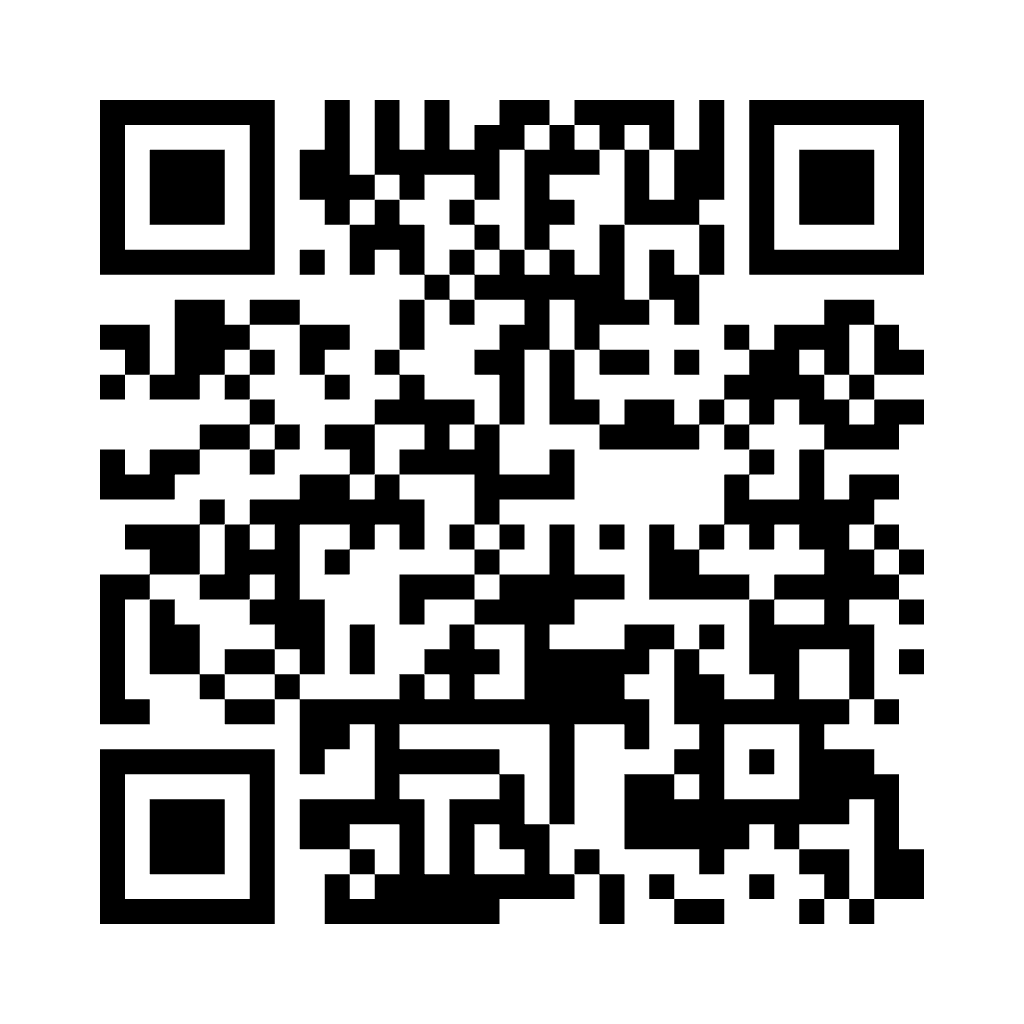
Get the synchronized audio feed so the lights match the music. Scan the QR code or click the link below. You should install the app for the best listening experience. Once installed, come back here to pick your song.
Request a Light Show
Select a song from the collection below to start a synchronized light show on our house. More to come soon...
Send me your favorite Christmas song and I'll add it to the playlist.
Watch & Enjoy
Watch the live stream below to see the light show in action. The lights will sync with the music you're listening to on Pulsemesh.
If you want to swing by to learn more about how it's done, stop by with your favorite drink and I'll tell you all about it.